How to Write Lyrics for AI Song Makers — Tips That Actually Work
Your lyrics sound weird when AI sings them? Here's how to format and write lyrics that AI song makers actually understand. Includes templates and real examples.
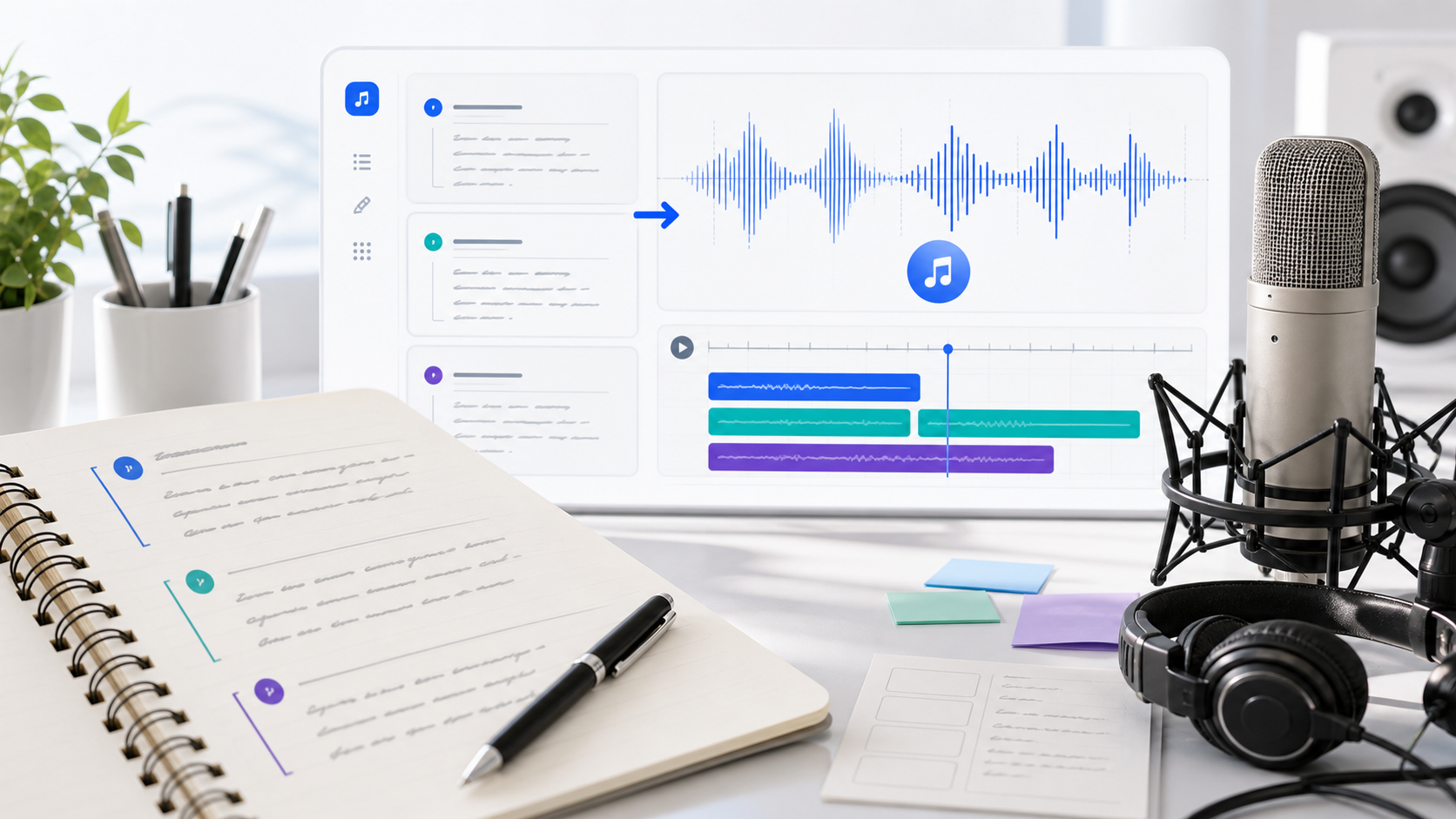
So you typed your lyrics into an AI song maker, hit generate, and... it sounds off. The words are cramped. The rhythm is weird. The chorus doesn't land. The AI is singing your poem like it's reading a grocery list.
Here's the thing — the problem usually isn't the AI. It's how the lyrics are written. AI song makers process text differently than a human singer would. They need clearer structure, shorter lines, and specific formatting cues that most people skip.
I've spent weeks experimenting with different lyric formats on AutoMusic, and the difference between "meh" output and genuinely good songs almost always comes down to how the lyrics are written. This guide covers everything I've learned.
AI Lyrics vs. Traditional Lyrics: What's Different?
When a human singer reads lyrics, they bring interpretation. They know where to breathe, where to emphasize, where to add a little run or pause. They feel the structure instinctively.
AI doesn't have that instinct. It needs you to be explicit about a few things:
Structure markers matter. A human can look at repeated lines and think "that's probably the chorus." AI needs you to literally label it [Chorus]. Without those markers, it treats everything as one continuous stream.
Line length affects rhythm. When you write a line with 20 words, the AI has to cram them into a musical phrase. The result sounds rushed and unnatural. Shorter lines give the AI breathing room to create melody.
Simplicity beats cleverness. That triple-meaning metaphor you spent 20 minutes crafting? The AI doesn't get it. It's mapping syllables to notes, not analyzing poetry. Save the literary devices for written work — for AI songs, directness wins.
Pronunciation matters more than spelling. The AI voices words phonetically. Unusual slang, made-up words, or heavy abbreviations can come out garbled. If a word looks weird, it might sound weird.
The Structure Marking System
This is the single most impactful thing you can do to improve your AI songs. Use these tags at the beginning of each section:
[Verse 1]
Your first verse lines here

[Chorus]
Your chorus lines here

[Verse 2]
Your second verse lines here

[Chorus]
Repeat chorus (yes, write it out again)

[Bridge]
Bridge section — something different

[Chorus]
Final chorus
What these tags actually do:
- [Verse] — Tells the AI to keep it mellow, conversational. The melody stays in a comfortable mid-range. This is your storytelling section.
- [Chorus] — Signals "this is the hook." The AI bumps up the energy, raises the pitch slightly, and makes the melody more memorable and repetitive.
- [Bridge] — A departure. The AI shifts the musical pattern to create contrast before the final chorus hits.
- [Outro] — Brings things down. Energy fades, melody resolves.
Optional tags you can also try:
[Intro]— For a spoken or soft vocal opening[Pre-Chorus]— A build-up section right before the chorus[Hook]— Similar to chorus but shorter, punchier
I tested the same lyrics with and without these markers. The version without markers sounded like one long, flat section with no dynamics. The version with markers had peaks and valleys — it sounded like an actual song someone produced in a studio.
Five Rules for AI-Friendly Lyrics
Rule 1: Keep Lines Between 6-12 Words
This is the sweet spot. Shorter than 6 words and the AI runs out of syllables to fill the musical phrase. Longer than 12 and it has to speed up or compress words together.
Bad:
I was walking down the street on a cold winter morning thinking about how everything changed since you left
Good:
Walking down the street on a cold morning
Thinking about how everything changed
Since you left, nothing feels the same
Same content, but broken into singable chunks.
Rule 2: Make Your Chorus Short and Repetitive
Look at any hit song's chorus. It's usually 4-6 lines, with some repetition. That's not lazy writing — it's how hooks work. AI locks onto repetition and makes it melodically sticky.
[Chorus]
Come back to me
I'm waiting here
Come back to me
I need you near
Short. Repetitive. Easy for the AI to turn into something catchy. Compare that to a 10-line chorus with zero repetition — the AI won't know what the hook is supposed to be.
Rule 3: Rhyming Helps (But Don't Force It)
Rhymes give the AI natural rhythm anchors. It uses rhyming patterns to decide where to place emphasis and how to shape the melody. You don't need to rhyme every line, but having rhymes at the end of alternating lines helps a lot.
[Verse 1]
I found your letter in the rain (A)
Words fading slowly on the page (B)
I read it through despite the pain (A)
Remembering a different age (B)
ABAB pattern. Clean. The AI picks up on this and creates a melody that flows naturally with the rhyme scheme.
Rule 4: Use the Style Field to Fill Gaps
AutoMusic gives you 180 characters in the Style field. Don't waste them. This is where you add context the lyrics alone can't convey:
- Emotional tone: "melancholic but hopeful"
- Vocal delivery: "soft whisper in verses, powerful belt in chorus"
- Instruments: "acoustic guitar and piano, no drums until chorus"
- Reference vibe: "90s slow jam feel" or "bedroom pop acoustic"
Your lyrics tell the AI WHAT to sing. The style field tells it HOW to sing it.
Rule 5: Write Out the Chorus Every Time It Repeats
Some people write [Chorus] and assume the AI will repeat what it sang before. It won't — or it might vary it unpredictably. If you want the chorus to sound the same each time (which you usually do), write the full lyrics out each time it appears.
[Chorus]
You're the reason I stay
You're the reason I'm okay

[Verse 2]
...

[Chorus]
You're the reason I stay
You're the reason I'm okay
Yes, it's redundant on paper. But it gives the AI clear instructions to repeat the melodic phrase.
Three Ready-to-Use Templates
Template 1: Pop Love Song (Female Vocal)
Style field: "dreamy pop with soft synths, female vocal, romantic and warm, mid-tempo" Genre: Pop | Mood: Romantic | Voice: Female | Tempo: Medium
[Verse 1]
I noticed you across the room
Your smile cut through the noise
Something in the way you moved
Made me forget my poise

[Pre-Chorus]
Maybe this is what they talk about
Maybe this is real

[Chorus]
Fall into you, fall into you
Everything is golden when I fall into you
Fall into you, fall into you
I never wanna find my way back

[Verse 2]
We talked until the lights came on
Hours felt like seconds there
You said something about the dawn
I just kept playing with my hair

[Pre-Chorus]
Maybe this is what they talk about
Maybe this is real

[Chorus]
Fall into you, fall into you
Everything is golden when I fall into you
Fall into you, fall into you
I never wanna find my way back

[Bridge]
I don't know where this goes
But I don't need to know
Just stay right here with me

[Chorus]
Fall into you, fall into you
Everything is golden when I fall into you
Template 2: Motivational Rap (Male Vocal)
Style field: "hard-hitting hip hop beat, confident male rapper, trap drums, 808 bass, aggressive energy" Genre: Rap | Mood: Energetic | Voice: Male | Tempo: Fast
[Verse 1]
Started from the basement now I'm building floors
Every single setback only opened doors
They said I couldn't make it, now they can't ignore
The grind don't stop, I always wanted more

Late nights early mornings, coffee getting cold
Turned my pain to purpose, watch the story unfold
They doubted every step but I kept pressing on
Look at where I'm standing now, tell me who was wrong

[Chorus]
Level up, level up, never coming down
Built it from the ground up, wearing my own crown
Level up, level up, they can hear the sound
Started with a whisper now it's echoing around

[Verse 2]
No shortcuts no handouts earned every single brick
When the pressure hit the hardest that's when I got thick
Skin made of armor from the lessons that I learned
Every bridge they burned for me just showed me what I earned

[Chorus]
Level up, level up, never coming down
Built it from the ground up, wearing my own crown
Level up, level up, they can hear the sound
Started with a whisper now it's echoing around

[Outro]
Keep going, keep pushing
Ain't no stopping this
Template 3: Acoustic Chill (Instrumental + Soft Vocal)
Style field: "gentle acoustic folk, fingerpicked guitar, soft breathy male vocal, intimate coffeeshop feel, slow and reflective" Genre: Acoustic | Mood: Calm | Voice: Male | Tempo: Slow
[Verse 1]
Sunday morning light through the curtains
Cup of coffee getting cold again
The whole world is still sleeping
And I'm just sitting with my pen

[Chorus]
These quiet moments
Are the ones I'll keep
When everything gets loud
This is where I breathe

[Verse 2]
No plans no rush no notifications
Just the sound of birds outside
Sometimes doing nothing at all
Is the bravest thing you'll find

[Chorus]
These quiet moments
Are the ones I'll keep
When everything gets loud
This is where I breathe

[Outro]
Just breathe... just breathe...
Frequently Asked Questions
Does the AI lyrics feature generate good lyrics on its own?
It's decent for getting started. If you pick "AI lyrics" in AutoMusic and give it a topic, it'll produce structured lyrics with verses and choruses. But for the best results, I'd suggest using AI-generated lyrics as a starting point and then editing them manually — swap out generic phrases for personal ones, tighten the chorus, add your own personality.
Can I write lyrics in Chinese or other languages?
Yes. AutoMusic supports lyrics in multiple languages including Chinese. The AI will sing in whatever language you write. Just keep the same principles — short lines, clear structure markers, simple vocabulary.
What's the maximum lyrics length?
AutoMusic accepts up to 3,000 characters in the lyrics field. For a typical song with 2 verses, a chorus repeated 3 times, and a bridge, you'll usually land around 1,000-1,500 characters. So you've got plenty of room.
Got lyrics ready? Put these tips to work — head to the AI Song Maker and hear what your words sound like as a real song.
Want to use your AI songs in YouTube videos? Check out our guide on making royalty-free music for YouTube.
Internal links to include:
- Link to Article 1 (first song tutorial) in the intro area
- Link to Article 3 (YouTube music) at the end
- Link to Article 5 (comparison) when mentioning "I've tested" experiments
Related articles
How to Create Your First AI Song — A Step-by-Step Tutorial
Learn how to make your first AI-generated song in under 5 minutes. No music experience needed. This guide walks you through AutoMusic's song maker from start to finish.
AI Song Prompts That Work — 25 Examples for Better Results
Learn how to write better AI song prompts with 25 practical examples for pop, rap, acoustic, EDM, podcast intros, YouTube background music, and more.
AI Music for Podcasts — Create Intros, Outros, and Background Music
Create professional podcast intro music, outros, and background tracks with AI. No music skills needed. Get a unique sound for your show in minutes.