AI Music for Podcasts — Create Intros, Outros, and Background Music
Create professional podcast intro music, outros, and background tracks with AI. No music skills needed. Get a unique sound for your show in minutes.
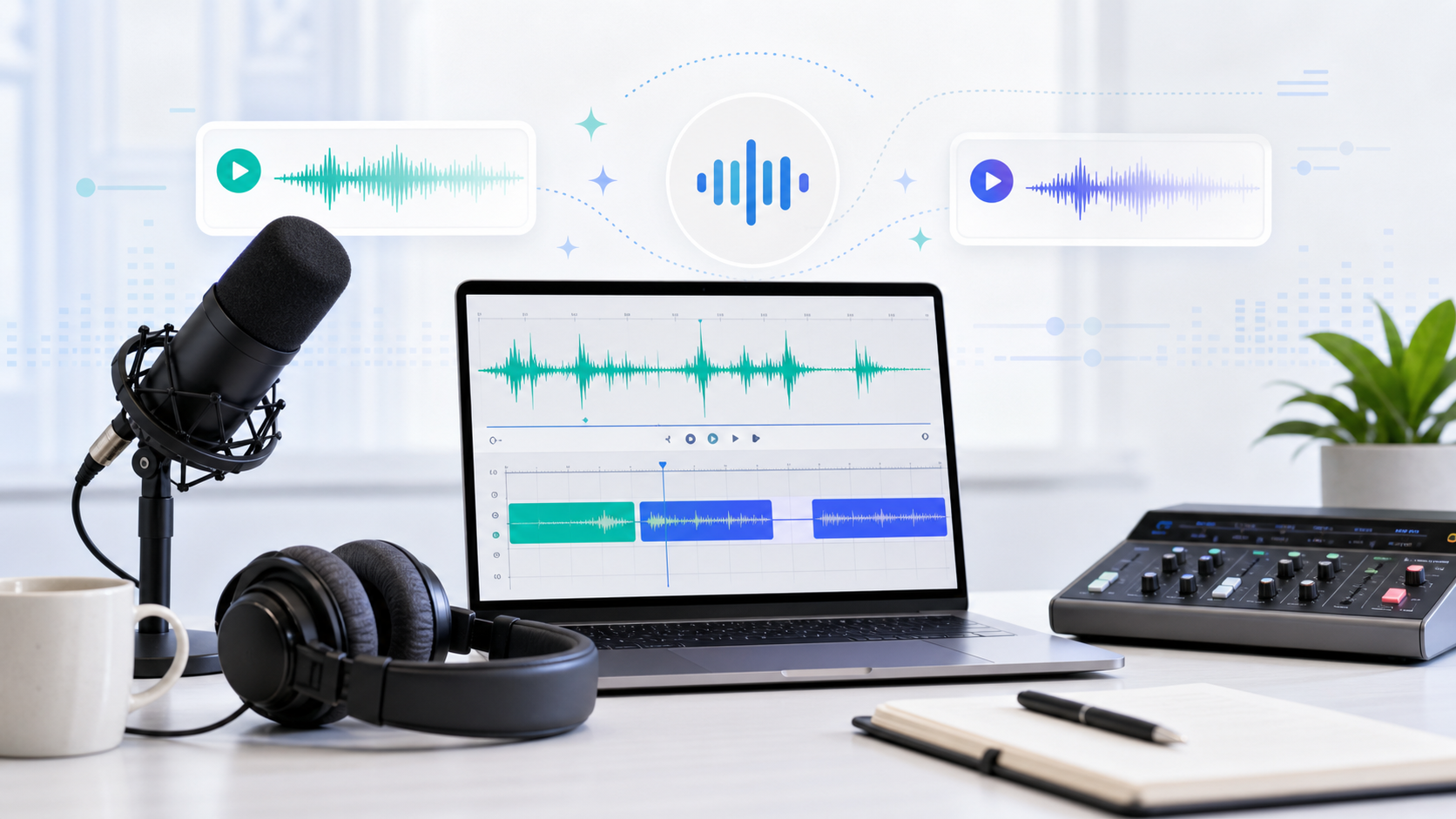
Every podcast sounds better with a good intro. That 5-10 second musical signature before your voice kicks in — it's what makes listeners go "oh, this is THAT show" within the first beat.
But getting custom podcast music used to mean one of three things: paying a composer $200-500, spending hours browsing generic royalty-free libraries, or using the same Creative Commons tracks that 10,000 other podcasts already use.
None of those options are great. The first is expensive. The second wastes time and you still end up with something generic. The third means your show sounds like everyone else's.
AI music generation solves all three problems at once. You describe what you want, and you get something custom in about a minute. Here's how to do it properly for each type of podcast music you need.
What Music Does a Podcast Actually Need?
Before we jump into how, let's be clear about what. Most podcasts use music in four places:
Intro music (5-15 seconds) — The first thing listeners hear. Sets the tone for your show. Should be memorable, on-brand, and the same every episode so it becomes your audio identity.
Outro music (10-20 seconds) — Plays under your closing remarks or after them. Signals "this episode is wrapping up." Usually warmer and more resolved than the intro.
Transition music (3-5 seconds) — Short stings between segments or chapters. Not every podcast needs these, but they help with flow if you cover multiple topics per episode.
Background music (continuous) — Plays under narration for story-driven or documentary-style podcasts. Must be extremely subtle — if listeners notice the music, it's too loud. Not all podcast formats use this.
Creating Each Type in AutoMusic
Making Your Intro
Your podcast intro is the most important piece. Here's how I approach it:
Input type: Pure music (you don't want AI vocals competing with your voice)
Style description examples by podcast genre:
For a business/tech podcast:
clean modern electronic intro, professional and confident, subtle synth build with a clear ending
For a true crime/storytelling podcast:
dark atmospheric intro, suspenseful strings and low piano, cinematic and moody
For a comedy/casual chat podcast:
fun upbeat quirky intro, bouncy bass and playful melody, lighthearted energy
For a health/wellness podcast:
gentle calming intro, acoustic guitar and soft chimes, warm and inviting
Genre/Mood/Tempo settings: Match these to your style description. For a professional business podcast, try Electronic + Calm + Medium. For comedy, try Pop + Happy + Fast.
After generating: You'll get a full-length track (up to 4 minutes). You don't need all of it. Open it in any audio editor (Audacity is free, GarageBand works too) and find the section that works best as an intro. Usually the opening 8-12 seconds of the generated track has the strongest "intro" energy.
Trim it. Add a fade-out if needed. Done. That's your podcast intro forever.
Making Your Outro
The outro should feel like a resolution — like the musical equivalent of "thanks for listening, see you next week."
Input type: Pure music
Style description examples:
warm acoustic outro, gentle and thankful, soft guitar fading out peacefully
smooth jazz-inspired outro, relaxed saxophone and piano, easy and mellow
uplifting electronic outro, hopeful synth melody, clean resolution and fade
Tip: Your outro doesn't need to be dramatically different from your intro. Same general vibe, just more relaxed. Some podcasters use the same track for both but trim different sections — the energetic opening for the intro, the gentle tail-end for the outro.
Making Transition Stings
These are quick 3-5 second musical punctuation marks between segments.
Input type: Pure music
Style: short musical transition sting, quick and clean, [your genre] style, resolves in 3 seconds
Since AutoMusic generates longer tracks, you'll need to:
- Generate a track in your podcast's genre
- Find 2-3 spots within it that work as standalone stings
- Trim them to 3-5 seconds each
Having 2-3 different transition stings prevents them from feeling repetitive across your episode.
Making Background Music for Narration
This is the trickiest one. Background music for voice-over narration has strict requirements:
- No vocals (they'll compete with the speaker)
- No sudden dynamic changes (drums dropping in randomly will distract)
- Minimal melody (a strong melody pulls attention away from the story)
- Consistent energy level (should feel like wallpaper, not a rollercoaster)
Input type: Pure music
Style: extremely minimal ambient background for podcast narration, soft pads only, no drums no melody, barely there, atmospheric texture
The key phrase is "barely there." You want something that fills silence without demanding attention. Think of it like the background music in a documentary — you only notice it when it stops.
Volume in your mix: Keep background music at -20 to -25 dB relative to your voice. If you can clearly hear the music while someone is talking, it's too loud.
Five Design Principles for Podcast Music
1. Your intro must hook in the first 3 seconds.
Podcast listeners decide within seconds whether to keep listening. If your intro is a slow 30-second build, most people have already skipped forward. Get to the interesting part immediately.
2. Consistency builds brand recognition.
Use the same intro/outro every single episode. Don't change it unless you're doing a complete rebrand. After 10-20 episodes, your listeners will have an unconscious Pavlovian response to those first notes — instant recognition and trust.
3. Match the energy to your content, not your taste.
You might love heavy metal, but if you're hosting a meditation podcast, that's... probably not the right intro. The music should set accurate expectations for what listeners are about to hear.
4. Less is more with background music.
I've listened to podcasts where the background music was fighting the host's voice for attention the entire episode. Exhausting. If you use background music at all, keep it minimal and way quieter than you think it should be. Your voice is the content. The music is just support.
5. Don't over-use transitions.
A musical sting between every paragraph feels like a PowerPoint presentation with too many animations. Use transitions for major topic changes, not every pause. Two or three per 30-minute episode is usually plenty.
Music Recommendations by Podcast Category
Here's a quick reference for common podcast genres:
| Podcast Type | Intro Style | Background Style |
|---|---|---|
| Business / Tech | Clean electronic, modern, confident | Minimal ambient, no drums |
| True Crime / Mystery | Dark, suspenseful, cinematic | Tension drones, very subtle |
| Comedy / Chat | Upbeat, fun, quirky | Usually none (doesn't fit the casual vibe) |
| Interview | Professional but warm, medium energy | None or extremely light piano |
| Education / How-to | Clear, friendly, approachable | Soft lo-fi or light acoustic |
| Storytelling / Narrative | Cinematic, emotional, immersive | Atmospheric pads and textures |
| Health / Wellness | Gentle, calming, natural sounds | Nature-inspired ambient, wind/water textures |
| News / Current Events | Authoritative, urgent, clean | None (too distracting from information) |
Frequently Asked Questions
Do I need any music production skills?
Zero. You type a description of what you want, click generate, and trim the result to the length you need. Basic audio trimming in Audacity or GarageBand (both free) is all you might need for cutting the track to the right length.
Can I publish my podcast with AI music on Spotify and Apple Podcasts?
Absolutely. AutoMusic's output is royalty-free, so you won't get flagged or taken down on any podcast platform. No licensing issues.
How do I keep my music consistent across episodes?
Generate your intro/outro once and save the audio file. Use that same file for every episode. You don't regenerate each time — that would give you different music each episode. Make it once, keep it forever.
What audio format should I export the music in?
WAV or high-quality MP3 (320kbps). You'll be layering it with your voice recording in your editor, so start with the best quality you can get.
Your podcast deserves its own sound. Not a stock track shared with thousands of other shows — something that's uniquely yours. It takes 60 seconds to generate. Create your podcast music now.
New to AI music generation? Start with our beginner's tutorial on creating your first AI song.
Internal links to include:
- Link to Article 1 (first song tutorial) at the end
- Link to Article 3 (YouTube music) where podcast and YouTube overlap
- Link to Article 2 (lyrics writing) briefly if mentioning vocal intros
Related articles
How to Write Lyrics for AI Song Makers — Tips That Actually Work
Your lyrics sound weird when AI sings them? Here's how to format and write lyrics that AI song makers actually understand. Includes templates and real examples.

AI-Generated Music and Copyright in 2026 — What Creators Need to Know
Who owns AI-generated music in 2026? We break down the copyright landscape, major label lawsuits, Content ID realities, and why AutoMusic's royalty-free policy covers all users — including the free tier.
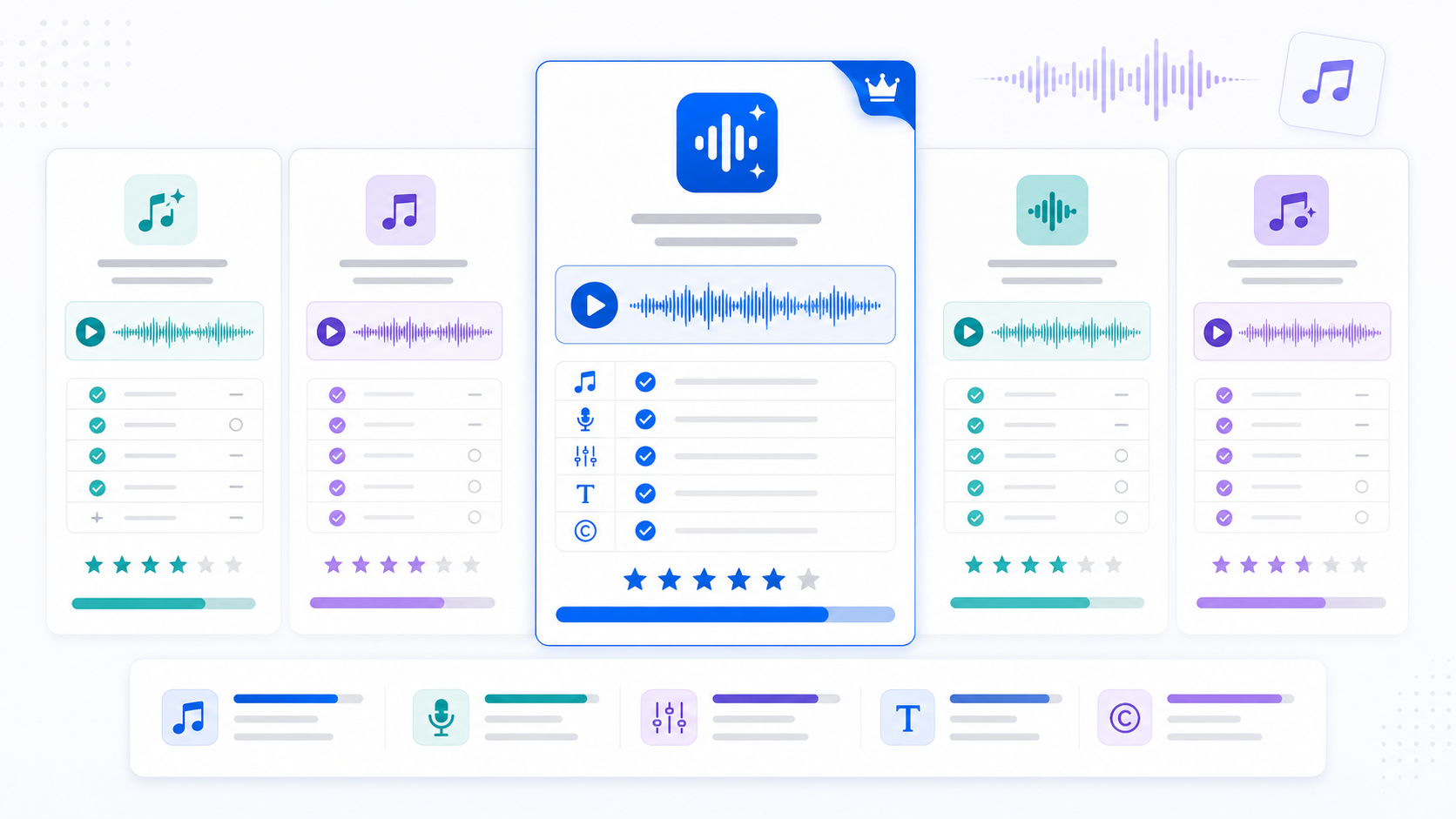
AI Song Makers Compared — Finding the Best Tool in 2026
Confused by all the AI music generators out there? We compare AutoMusic, Suno, Udio, and Boomy on quality, features, pricing, and copyright policies.