AI Song Makers Compared — Finding the Best Tool in 2026
Confused by all the AI music generators out there? We compare AutoMusic, Suno, Udio, and Boomy on quality, features, pricing, and copyright policies.
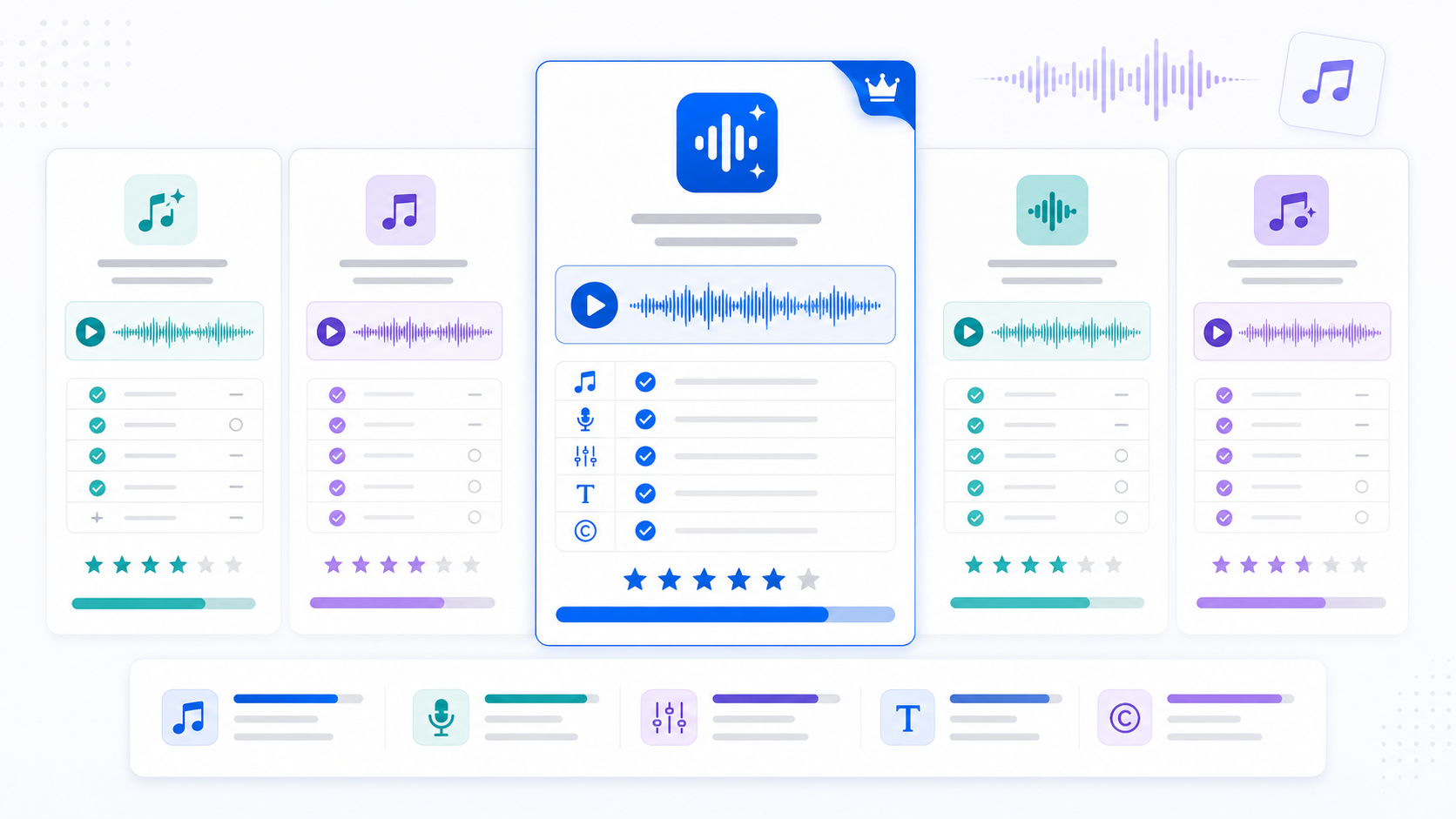
A year ago, there were maybe two or three AI music generators worth talking about. Now there are dozens. Some are incredible. Some are overhyped. And some have licensing fine print that could get you in trouble if you're not careful.
I've spent real time with the major platforms — not just running one test and writing a review, but actually using them for projects over weeks. Making songs for videos, generating podcast intros, experimenting with different genres and styles.
This isn't a "top 10 list" padded with tools I've never touched. It's an honest breakdown of the platforms that actually matter right now, with specific notes on where each one excels and where they fall short.
How I'm Evaluating These Tools
Six things matter when you're picking an AI music generator:
- Output quality — How real does it sound? Are the vocals natural? Is the arrangement coherent?
- Generation speed — How long from pressing "generate" to hearing your song?
- Customization depth — Can you control genre, mood, instruments, vocals, and structure? Or are you just rolling the dice?
- Copyright / licensing — Can you use the output commercially? Will you get a copyright claim on YouTube? This one is critical.
- Ease of use — Can someone with zero music knowledge figure it out in 5 minutes?
- Pricing — What's the free tier like? How much for regular use?
The Major Players
AutoMusic
What it is: A full-featured AI song maker that converts text or lyrics into complete songs with vocals, or generates instrumental tracks.
What stands out:
- Two creation modes: Custom (full control over lyrics, style, genre, mood, voice, tempo) and Simple (describe what you want and let AI handle everything)
- Three input types: write your own lyrics, pure instrumental, or let AI generate lyrics for you
- Detailed style control with 180-character descriptions plus quick-select tags for genre, mood, voice type, and tempo
- Songs up to 4 minutes long — longer than most competitors
- Clear royalty-free licensing: everything you generate is yours to use commercially
Where it's best: Content creators who need reliable, royalty-free music. The combination of vocal tracks + instrumentals + clear commercial rights makes it practical for YouTube, podcasts, social media, and client work without worrying about licensing.
Limitations: If you're a music producer looking for DAW-level control over individual stems, mixing, or mastering, this is a generation tool, not a production suite.
Pricing: Free tier available with trial credits. Paid plans for more generation volume.
Suno
What it is: One of the most well-known AI music generators. Currently on version 5.5, with noticeably improved vocal quality.
What stands out:
- Vocals sound remarkably human, especially in newer versions
- Can generate in many languages with decent pronunciation
- Large community creating and sharing songs
- Supports custom lyrics with structure tags
Where it's best: People who want the most natural-sounding AI vocals currently available. The quality of the singing voice is genuinely impressive, especially for pop and R&B styles.
Limitations: The copyright situation is more nuanced than AutoMusic's. Free-tier creations have different usage rights than paid-tier creations. You need to read their terms carefully to understand what you can and can't do commercially. They've also faced legal challenges from music labels, which creates uncertainty about future policy changes.
Pricing: Free tier with limited generations. Pro plans for commercial use rights.
Udio
What it is: Another high-quality AI music platform, backed by notable investors and with partnerships with Warner Music Group and Universal Music Group.
What stands out:
- Very high audio fidelity — some of the cleanest-sounding AI music available
- Genre versatility is excellent, particularly for electronic and cinematic music
- The partnership with major labels suggests they're taking the copyright question seriously from a legal infrastructure standpoint
Where it's best: If audio quality is your top priority above all else, Udio is consistently impressive. Their electronic and cinematic generations are particularly strong.
Limitations: The major label partnerships might actually limit what you can do with generated content — partnership with rights holders doesn't necessarily mean more freedom for users. Also, their focus seems more oriented toward music industry professionals than casual content creators. Generation length has historically been shorter than competitors.
Pricing: Free tier available. Paid plans for more features and generations.
Boomy
What it is: An earlier-generation AI music platform focused on letting anyone create and distribute songs to streaming platforms.
What stands out:
- You can release AI-generated songs directly to Spotify, Apple Music, and other streaming services through their platform
- Very simple interface — possibly the easiest to use of all the options
- Built-in distribution pipeline
Where it's best: If your goal is specifically to release AI-generated tracks to streaming platforms and potentially earn royalties from plays, Boomy has that pipeline built in. No other tool makes it as easy to go from generation to Spotify.
Limitations: Customization is limited compared to newer tools. You don't get the same level of control over lyrics, structure, or style. The output quality, while decent, doesn't match what Suno, Udio, or AutoMusic produce in 2026. Some streaming platforms have also started scrutinizing AI-generated content, so the long-term viability of this approach is uncertain.
Pricing: Free to create. Revenue share model on distributed tracks.
Feature Comparison Table
| Feature | AutoMusic | Suno | Udio | Boomy |
|---|---|---|---|---|
| Custom lyrics input | Yes (3000 chars) | Yes | Yes | No |
| AI-generated lyrics | Yes | Yes | Limited | No |
| Pure instrumental mode | Yes | Yes | Yes | Yes |
| Voice type selection | Male / Female | Multiple styles | Multiple styles | Limited |
| Genre/mood/tempo tags | Yes | Partial | Partial | Yes |
| Style description field | Yes (180 chars) | Yes | Yes | No |
| Max song length | 4 minutes | ~4 minutes | ~2 minutes | Short |
| Royalty-free (all plans) | Yes | Paid plans only | Check terms | Revenue share |
| Streaming distribution | No | No | No | Yes (built-in) |
| Free tier | Yes | Yes | Yes | Yes |
Which Tool for Which Situation?
Here's my honest take on when to use what:
You're a YouTube creator, podcaster, or content maker who needs music without copyright headaches: → AutoMusic. The royalty-free-on-all-plans policy is unambiguous, the instrumental mode is designed for background use, and the style customization lets you describe exactly what your content needs.
You want the most impressive-sounding AI vocals for a standalone song: → Suno. Their vocal engine is a step ahead in naturalness, especially for pop, soul, and R&B. Just read the licensing terms carefully before using it commercially.
You're an audio professional who needs the highest-fidelity output: → Udio. Cleanest sound, best production quality. But make sure you understand what the major label partnerships mean for your usage rights.
You want to release tracks on Spotify and earn streaming revenue: → Boomy. It's the only one with a built-in distribution pipeline. But temper your expectations — the vast majority of AI songs on Spotify earn cents, not dollars.
You just want to have fun making songs with no specific goal: → Try all of them. Every platform has a free tier. Spend 20 minutes on each and see which interface clicks for you. Personal preference matters more than feature lists when you're creating for enjoyment.
A Note on the Copyright Landscape
This is evolving quickly. Major music labels have filed lawsuits against some AI music companies. Regulations are being discussed in multiple countries. What's true about licensing today might shift in a year.
My practical advice: if you're creating music for commercial use (monetized content, client projects, products), prioritize platforms with clear, explicit royalty-free licensing. Read the terms of service. "It's probably fine" is not a legal strategy.
AutoMusic's approach is straightforward — royalty-free means royalty-free, for all users. Some other platforms tie commercial rights to paid tiers or have vague language that could be interpreted multiple ways. When your YouTube revenue or client relationship depends on clean licensing, clarity matters.
Frequently Asked Questions
Is AI-generated music legal to publish on Spotify?
It depends on the platform's policies and terms of service. Spotify has added policies around AI-generated content. Boomy has a direct relationship with Spotify for this purpose. For other tools, you'd need to use a standard distributor (DistroKid, TuneCore, etc.) and verify you have the right to distribute.
Which tool is best for Chinese-language songs?
Both AutoMusic and Suno handle Chinese lyrics reasonably well. The AI will sing in Chinese if you input Chinese characters. Quality varies by style — pop and ballads tend to sound better than rap in Chinese across all platforms.
Will these tools replace human musicians?
No. They'll replace stock music libraries, they'll make music accessible to non-musicians, and they'll speed up certain workflows for producers. But professional music production, live performance, artistic expression — those aren't going anywhere. AI music is a tool, like a camera is a tool. Having a camera didn't replace photographers.
How often do these platforms update their AI models?
Frequently. Suno went from v3 to v5.5 in about 18 months. Udio and AutoMusic also ship regular quality improvements. A comparison that's 6 months old might not reflect current capabilities. Try current versions yourself rather than relying on outdated reviews.
The best way to find your tool is to try them. Most have free tiers. Start with what matches your use case, and switch if it's not working.
If reliable royalty-free music for content creation is what you need, give AutoMusic a try — your first generations are free.
Internal links to include:
- Link to Article 1 (getting started tutorial) for AutoMusic beginners
- Link to Article 3 (YouTube music) when discussing content creator use cases
- Link to Article 2 (lyrics tips) when mentioning custom lyrics input
Related articles
AI Music for TikTok and Reels — The Short-Form Creator's Complete Guide
Stop using trending sounds that get your TikTok and Reels muted. Learn how to generate custom AI music, use AutoMusic's Extend and Replace features for perfect clips, and build a sound identity that's 100% yours.
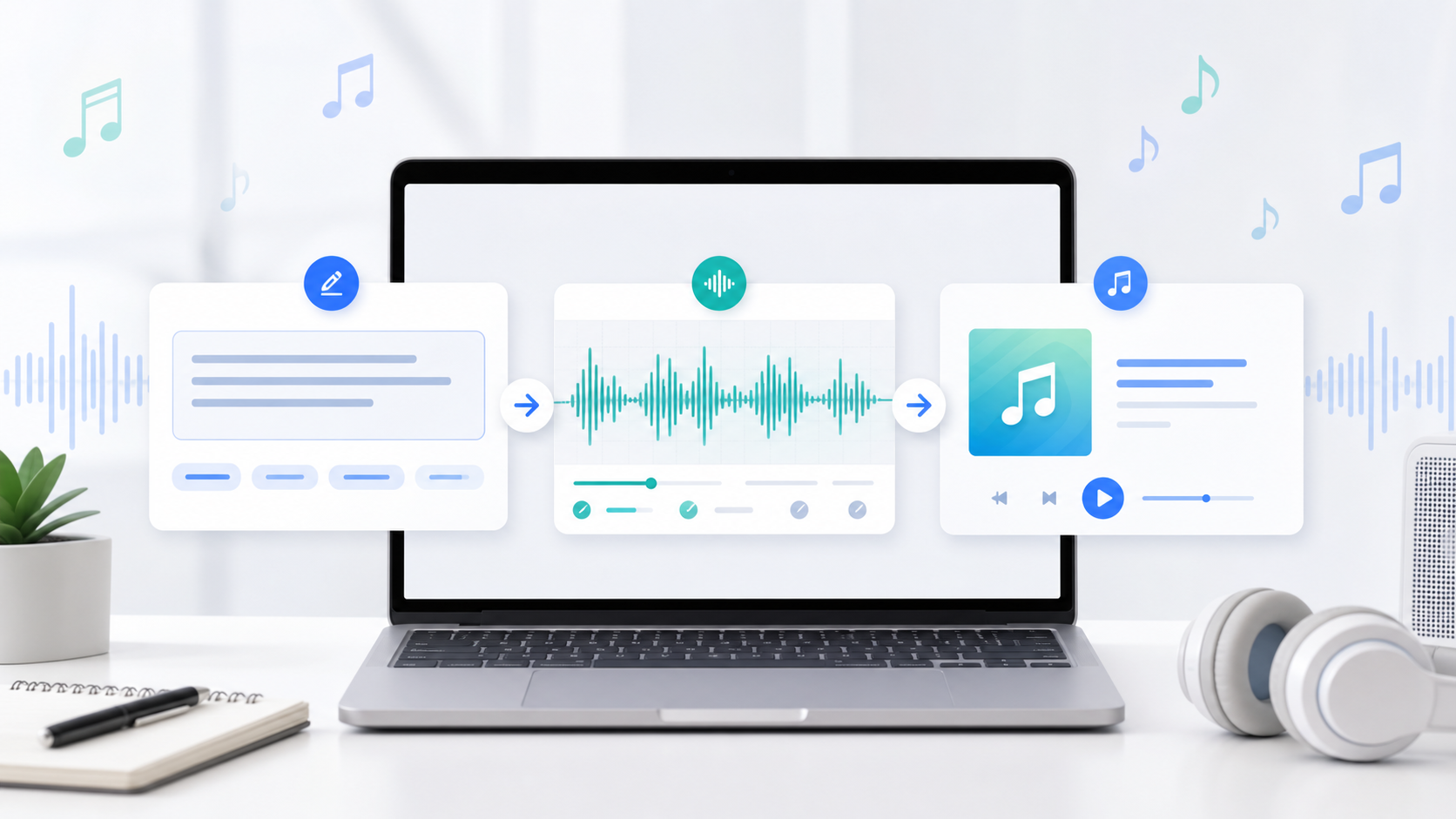
How to Create Your First AI Song — A Step-by-Step Tutorial
Learn how to make your first AI-generated song in under 5 minutes. No music experience needed. This guide walks you through AutoMusic's song maker from start to finish.
10 Ways to Make Your AI Songs Sound Less Like AI
AI music sounds too clinical? These 10 techniques cover everything from style prompting to AutoMusic's V1/V2 model strategy and stem separation — so your tracks feel like real productions.