AI Music for TikTok and Reels — The Short-Form Creator's Complete Guide
Stop using trending sounds that get your TikTok and Reels muted. Learn how to generate custom AI music, use AutoMusic's Extend and Replace features for perfect clips, and build a sound identity that's 100% yours.
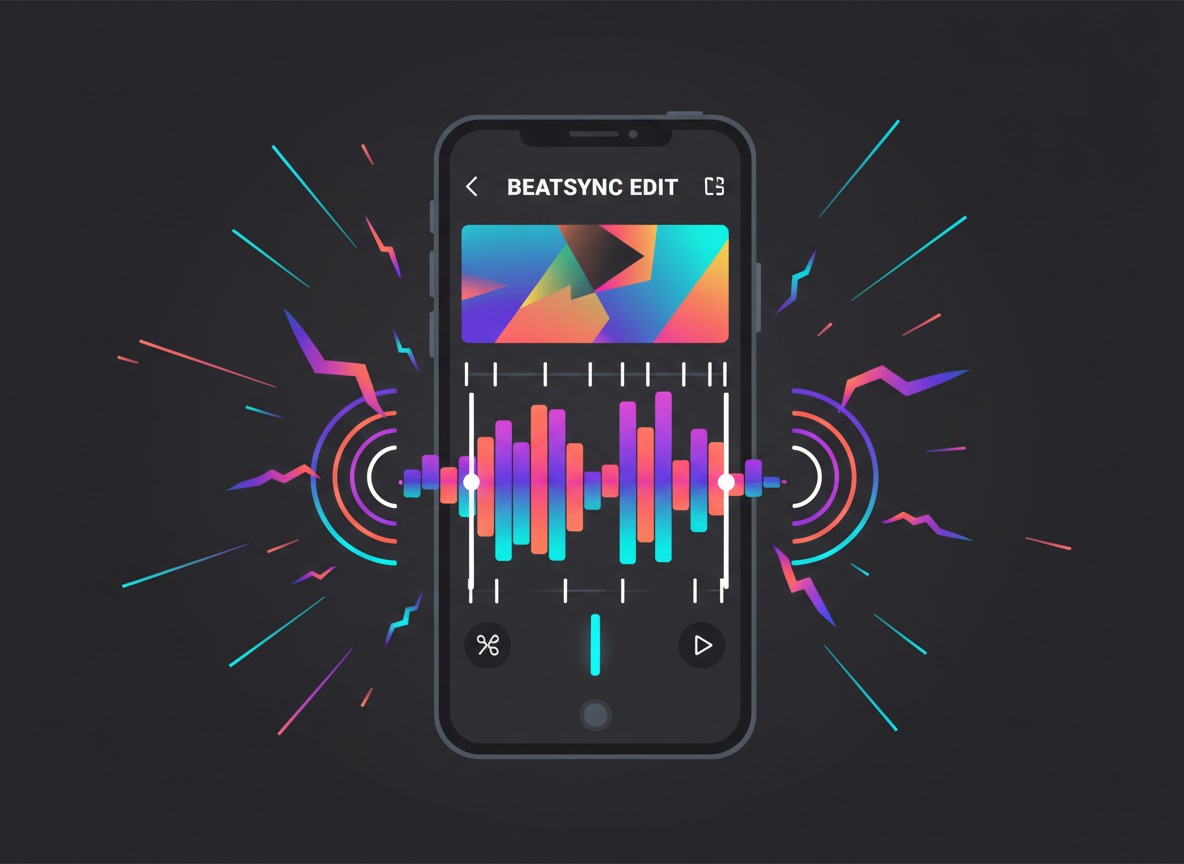
Here's a problem every serious short-form creator eventually runs into: the trending sound you built your best video around gets muted.
You spent two hours editing a Reel. The transitions are perfect. The beat drops exactly when the visual hits. The hook lines up exactly right. Then Instagram mutes it because the audio was a licensed track you didn't have rights to — and suddenly your painstakingly crafted video is just silent footage with confused viewers.
Or worse: TikTok restricts the video's reach in certain countries because of a music licensing dispute, and half your potential audience never sees it.
The short-form video world has a music problem. And the advice most creators get — "just use the in-app music library" — has real limitations. Those libraries are algorithm-friendly but creatively constraining. The truly viral sounds? Often licensing nightmares waiting to happen.
There's a better approach: generate your own.
This guide is specifically for short-form content — TikTok, Instagram Reels, YouTube Shorts, and similar formats. The rules for music in short-form video are different from YouTube long-form or podcasts. The timescales are compressed, the emotional impact needs to be immediate, and the way music interacts with visuals is fundamentally different when your total runtime is 15-90 seconds.
Why Short-Form Music Is Different
When you're scoring a 10-minute YouTube video, the music has room to breathe. You can have a 30-second ambient intro, gentle underscore through an explanation, a slow build to a climax. The audience is locked in. They'll stay with you through the dynamics.
Short-form gives you none of that time. The music has to work in seconds.
Here's how the priorities shift:
The first 3 seconds are everything. On TikTok, the watch/swipe decision happens almost instantly. Music that starts quiet and builds up slowly over 10 seconds is already losing. If your audio isn't pulling the viewer in from the first moment, they're gone.
Energy consistency matters more than dynamics. In a 30-second Reel, you don't have time for a verse-prechorus-chorus structure. You need something that stays at the right energy level throughout — not because dynamics are bad, but because in 30 seconds, a big drop or shift interrupts rather than rewards.
Beat synchronization is the technique. The whole aesthetic of short-form video is built on the edit hitting on the beat. Cuts, transitions, reveals, text appearing — it all works best when it lands on the rhythmic grid of the music. This means the music has to have a clear, consistent beat that you can actually cut to.
Melody is a hook, not a journey. A great short-form music hook can loop through your head after the video ends. That's brand recognition for creators. A great long-form piece can take you somewhere. For short-form, you want the former.
Volume profile is different. Short-form viewers are often watching with headphones or in noisy environments. The music can be more prominent — less "background," more "featured" — than it would be in a YouTube talking-head video.
The Architecture of a Short-Form Track
Before jumping into how to generate music, it helps to know what you're actually building. Most effective short-form video music has this structure:
For content under 30 seconds:
- Immediate hook — audible identity within 1-2 seconds
- Consistent energy throughout — no big drops or builds that don't pay off
- Optional: a single accent moment at the 15-20 second mark if there's a reveal
For content 30-60 seconds:
- Strong opening hook
- Body section at consistent energy
- One meaningful beat drop or shift (used for a key visual moment or reveal)
- Resolution or fade
For content 60-90 seconds:
- Opening hook
- Two distinct sections with different energy levels (usually a lower-energy setup and higher-energy payoff)
- A clear climactic moment in the final third
- Short outro or hard end
The key difference from long-form: every element has to earn its place immediately. There's no setup time.
Generating Short-Form Music in AutoMusic
The Core Settings for Short-Form
Most of AutoMusic's defaults are tuned for full-length songs — which means you'll want to adjust your style description specifically for short-form purposes. Here's what to keep in mind:
Use Pure music mode. Unless your video concept specifically features a vocal track as the main element (a dramatic spoken-word Reel, for example), you want instrumental. Vocals in background music compete with any voiceover, on-screen text reading, or the natural sounds of your footage.
Your style description is doing all the heavy lifting. For short-form specifically, include words that signal high-impact, immediate energy:
Instead of: upbeat pop
Use: punchy upbeat pop with a strong beat drop, immediate hook, energetic from the first second
The difference is telling the AI this needs to hit fast.
Think in "vibes" not just genres. TikTok and Reels audiences respond to specific sonic aesthetics. Here are the ones that consistently perform in short-form:
- Hyperpop/maximalist — everything turned up, fast, overwhelming in a fun way. Works for transformation videos, fashion content, comedy.
- Dark/mysterious — minor keys, tension, sparse beats. Dominant in true crime adjacent content, aesthetic/moody visuals, horror comedy.
- Lo-fi/chill — gentle, warm, non-intrusive. Study content, slow-motion footage, reflective or lifestyle content.
- Trap/hip-hop energy — hard-hitting 808s, confident and direct. Fitness content, motivational content, streetwear, sneakers.
- Cinematic/epic — big orchestral sounds, emotional swells. Before/after reveals, travel content, nature footage.
- Indie/bedroom pop — intimate, authentic-sounding, slightly imperfect. Relatable content, mental health narratives, personal story content.
Style Description Templates by Content Type
Transformation / Before & After:
punchy cinematic build with a powerful drop at the midpoint, energetic and dramatic, modern electronic with big drums
Why it works: the structure mirrors the content — tension before the reveal, payoff after.
Fitness / Workout / Motivation:
high-energy trap beat with aggressive 808s, fast tempo, confident and intense, no slow sections
Why it works: matches the physical energy of the content, gives editors clean cuts to work with.
Aesthetic / Lifestyle / Fashion:
dreamy hyperpop with bright synths and a punchy beat, playful and confident, fast-paced and colorful
Why it works: maximalist sound matches the visual maximalism of aesthetic content.
Emotional / Personal Story:
melancholic indie piano with subtle beat, builds gently, emotional but not overwhelming, intimate and honest
Why it works: emotional resonance without overwhelming the story being told.
Comedy / Skit:
quirky playful electronic with a bouncy melody, light and fun, includes a brief comedic accent beat
Why it works: playfulness signals to viewers this is lighthearted content, punctuation moments can match comedic timing.
Food / ASMR / Slow-Mo:
warm lo-fi with soft crackling texture, gentle groove, extremely relaxed and inviting, no sudden changes
Why it works: sensory content needs sensory music — warm, textured, non-disruptive.
Travel / Nature:
uplifting cinematic folk with acoustic guitar and swelling strings, adventurous and freeing, builds to an emotional peak
Why it works: travel content earns its emotional moments — a proper arc works here because the visuals carry the build.
Tech / Product Showcase:
clean modern electronic with a sharp minimal beat, professional and precise, confident and forward-looking
Why it works: reflects the product's aesthetic — modern, engineered, credible.
Beat-Syncing: Making Your Edits Land
This is the technique that separates good short-form content from great short-form content. When your visual edits land on beats, the video feels professional and satisfying in a way that viewers feel but can't quite articulate.
Here's how to set yourself up for clean beat-syncing with AI-generated music:
Generate first, edit second. Start with your music, find the beats, then structure your edits around them. Most creators do it in reverse — they edit the footage first, then desperately search for music that fits. Generate your track, get familiar with its rhythm, then edit.
Request a consistent tempo in your style description. Add "steady 4/4 beat" or "consistent driving rhythm" to your style description. This produces tracks where the beat grid is easy to identify and edit to. Avoid requesting "varied tempo" or "experimental rhythm" — those are hard to sync.
Identify your accent moments. Listen to the generated track and note where the biggest sonic moments are: the beat drop, a distinctive hi-hat accent, a bass hit. These are your anchor points. Your most impactful visual cut or reveal should land on these moments.
If the drop doesn't land in the right place, use Replace instead of regenerating everything. AutoMusic's Replace feature lets you swap out a specific section of a generated track — intro, chorus, bridge, or outro — while keeping the rest intact. If your 45-second track is almost perfect but the energy doesn't spike until the 25-second mark and you need it at 15, replace just the body section rather than regenerating from scratch. This saves generation credits and preserves the parts of the track that are already working.
Most editing software can auto-detect beats. CapCut, Adobe Premiere, DaVinci Resolve, and most mobile editing apps have beat detection features. Import your AI music track, run beat detection, and let the software mark the grid. Then snap your cuts to those markers.
Practical tip for mobile creators: CapCut's "Auto Beat Sync" feature works well with AI-generated music. Import the track, select your clips, and let the auto-sync feature align cuts to the beat. It's not perfect, but it's 80% of the way there with one button.
Using Extend to Get Exactly the Length You Need
One of the more underused features for short-form creators: AutoMusic's Extend function lets you lengthen an existing track by adding new sections while maintaining the original's musical coherence — same style, same energy, seamless continuation.
Here's why this matters in practice:
You generate a 30-second track. The first 20 seconds are exactly what you want — the hook is perfect, the energy is right, it syncs beautifully with your footage. But you need 45 seconds total.
Rather than regenerating and hoping for something equally good, use Extend to add 15-20 seconds onto the track you already have. The AI picks up where the original left off, maintaining the rhythmic and stylistic continuity. You're not getting a random new generation — you're getting a continuation of the specific track you chose.
The reverse workflow also works: generate a longer track (60+ seconds), find the 30-second window that works best for your video, then if you ever need a longer version of that same track for a different piece of content, extend the original rather than regenerating from scratch.
The Copyright Reality for TikTok and Reels
Let's get concrete about what actually happens with music on these platforms:
TikTok has its own licensed music library for organic content creators. If you use a song from their library in a personal account video, you're fine. But for business accounts, many library tracks are restricted. And if you're a brand or a business account creator, using trending licensed sounds is a legal gray area that TikTok's terms don't fully protect you from.
For AI-generated music used in TikTok content: upload it as original audio. TikTok treats original audio uploads as user-generated content. No automatic matching against the Content ID equivalent they run, because your track isn't in any database. You can even allow other creators to use your original audio as a sound on their videos — which is a distribution mechanic in itself.
Instagram Reels has similar library restrictions, with business accounts facing more limitations than personal accounts. Third-party music used outside the in-app library runs the same muted-video risk as YouTube.
For AI-generated music in Reels: the same applies — it's original audio, it won't match anything in Meta's audio recognition database, and you won't get restricted.
YouTube Shorts is subject to the same Content ID system as regular YouTube. AI-generated music from AutoMusic won't trigger claims.
The honest summary: Platform music libraries exist because of licensing deals. The moment you use any music from those libraries in a monetized or brand context, you're navigating their licensing restrictions. AI-generated music sidesteps this entirely — it's not in any licensing framework because no one negotiated rights to it. It's just yours.
Building a Sound Identity
Here's something most short-form guides skip: the strategic use of consistent audio branding.
TikTok's algorithm explicitly promotes creators whose original sounds get reused. When other creators use your audio in their videos, your original content gets credited and linked — that's passive distribution. The platform is designed to reward audio identity.
If you create a distinctive short musical signature and use it consistently across your content, two things happen:
- Your existing followers develop pattern recognition — they hear your sound and know it's your video.
- New viewers who find your sound through another creator's use of it get directed back to your account.
AI-generated music is well-suited to this because you can generate variations on a theme. Make a primary signature sound, then generate 3-4 variations with slightly different energy levels (a calm version, a hype version, a melancholic version) that all share recognizable elements — same genre, similar instrumentation, same general tempo family. Now you have a flexible audio identity that fits multiple content contexts while staying coherent.
Taking this further with Genre Conversion: Once you have a core signature track you're happy with, AutoMusic's genre conversion feature lets you reimagine that same track in a completely different style while preserving the underlying melody. Your lo-fi signature becomes an acoustic version for more emotional content, or a trap version for high-energy posts — same melodic DNA, different production clothing. This is how you build a sound family rather than just a single track, giving your audio identity flexibility without sacrificing coherence.
To do this in AutoMusic: keep your core style description consistent across initial generations. If your brand signature is "lo-fi hip hop with a soft piano melody," that base description stays the same across the family. Then use genre conversion to spin off the variants you need.
Five Common Mistakes Short-Form Creators Make With Music
Mistake 1: Using the same trending sound as everyone else. Trending sounds are the default for a reason — they work. But they also mean your content sounds identical to thousands of other posts. And when the trend passes, your content sounds dated. Custom music doesn't age the same way.
Mistake 2: Choosing music based on personal taste, not content fit. You like heavy metal. Your skincare tutorial doesn't. Match the music to the emotional register your audience expects for that content type, not to your personal listening preferences.
Mistake 3: Ignoring the first 2 seconds of audio. If your video starts with 2 seconds of silence or quiet build before the music kicks in, you've already given viewers a reason to swipe. The sound needs to engage immediately.
Mistake 4: Using music with vocals when you have voiceover. Two vocal sources compete. Either use instrumental under voiceover, or keep the vocal music and don't talk over it. Pick one.
Mistake 5: Regenerating entirely when only one section is wrong. AI gives you targeted editing tools — use them. If a track is 80% right but the intro is weak, use Replace to swap just the intro. If you need it longer, use Extend. Regenerating from scratch when you already have a mostly-good track wastes both credits and time.
Frequently Asked Questions
Can I use AI music on my business TikTok account? Yes. Business accounts have restricted access to TikTok's licensed music library, but original audio you upload has no such restrictions. AI-generated music that you upload as original audio works for business accounts.
What's the ideal length to generate if I'm making 30-second Reels? Generate a full-length track (60 seconds or more) and trim in your editor. This gives you more material to work with — you can pick the 30 seconds that has the best energy arc for your specific video. If you find a great 30-second window in a longer track and later need 45 seconds for a different video, use AutoMusic's Extend feature to grow the original rather than generating fresh.
Can I upload the same AI track to multiple videos? Yes. There's no rule against reusing a track across your own content — in fact, building a consistent sound identity means you should. The track is yours to use as many times as you want.
What tempo (BPM) works best for beat-syncing on short-form? For content you're cutting rapidly (transitions every 0.5-1 second), 120-140 BPM is the sweet spot — fast enough to feel energetic, slow enough that the beat grid isn't overwhelming. For slower, more deliberate edits, 80-100 BPM works better. Specify this in your style description: "fast tempo around 130 BPM" or "slow groove around 90 BPM."
My generated music sounds a bit generic. How do I make it more distinctive? The most common reason is an underspecified style description. "Lo-fi hip hop" gives the AI a broad category. "Lo-fi hip hop with a prominent jazz piano melody, slightly detuned, warm vinyl crackle, no drums until the second loop" gives it a specific recipe. The more specific your description, the more distinctive the output. Also: generate multiple versions. The AI produces variation even on identical inputs.
Custom music in short-form video isn't just a copyright workaround — it's a creative and strategic advantage. Your sound becomes yours.
Ready to build your audio identity? Generate your first track on AutoMusic — it takes less than a minute.
New to AI music generation entirely? Start with the beginner's tutorial for your first AI song.
Using AI music for YouTube long-form too? Our guide to royalty-free AI music for YouTube covers the different considerations for longer content.
Related articles
How to Make Royalty-Free Music for YouTube Videos with AI
Stop worrying about copyright strikes on YouTube. Learn how to generate custom royalty-free background music for your videos using AI — free to start.
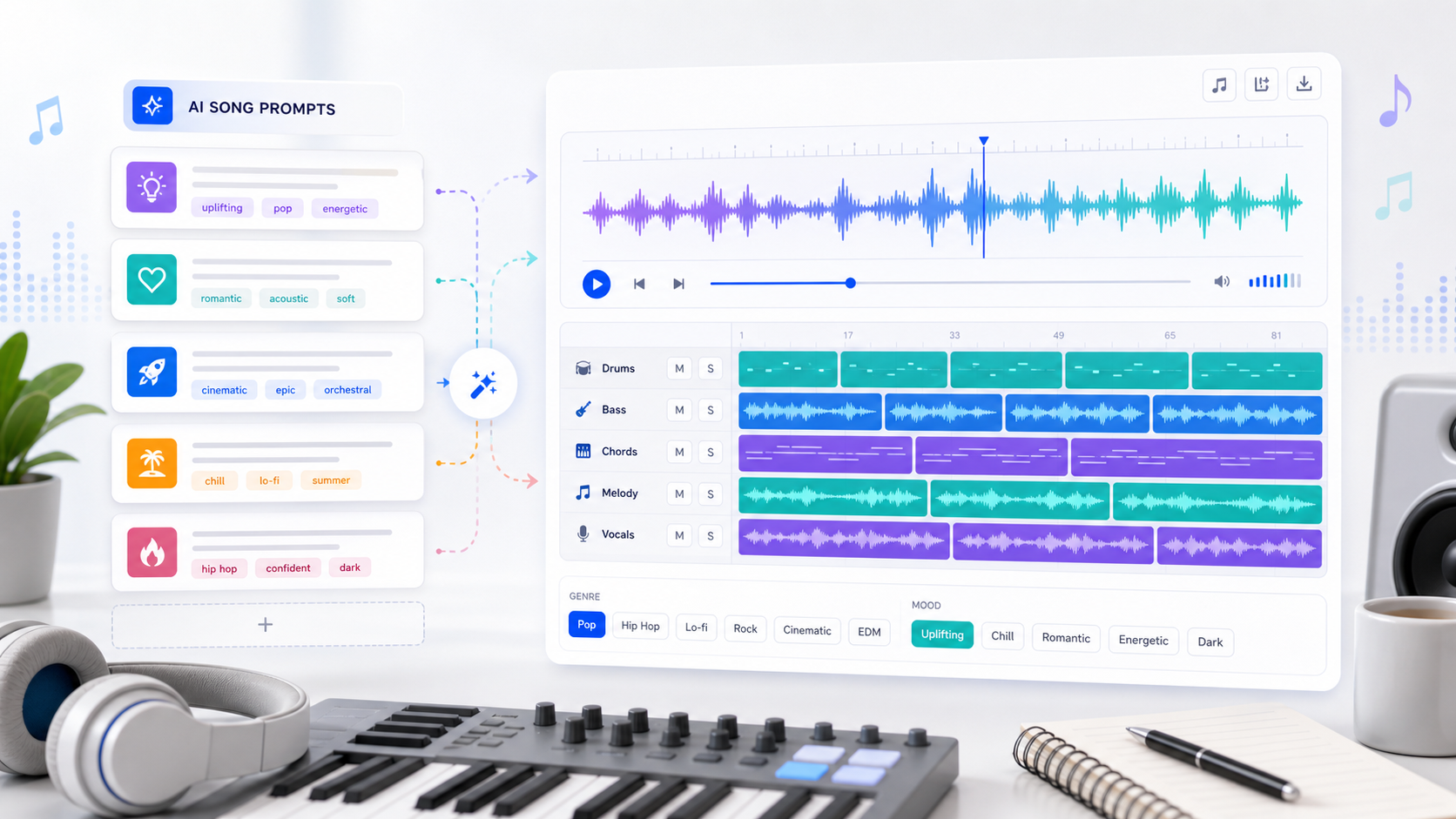
AI Song Prompts That Work — 25 Examples for Better Results
Learn how to write better AI song prompts with 25 practical examples for pop, rap, acoustic, EDM, podcast intros, YouTube background music, and more.
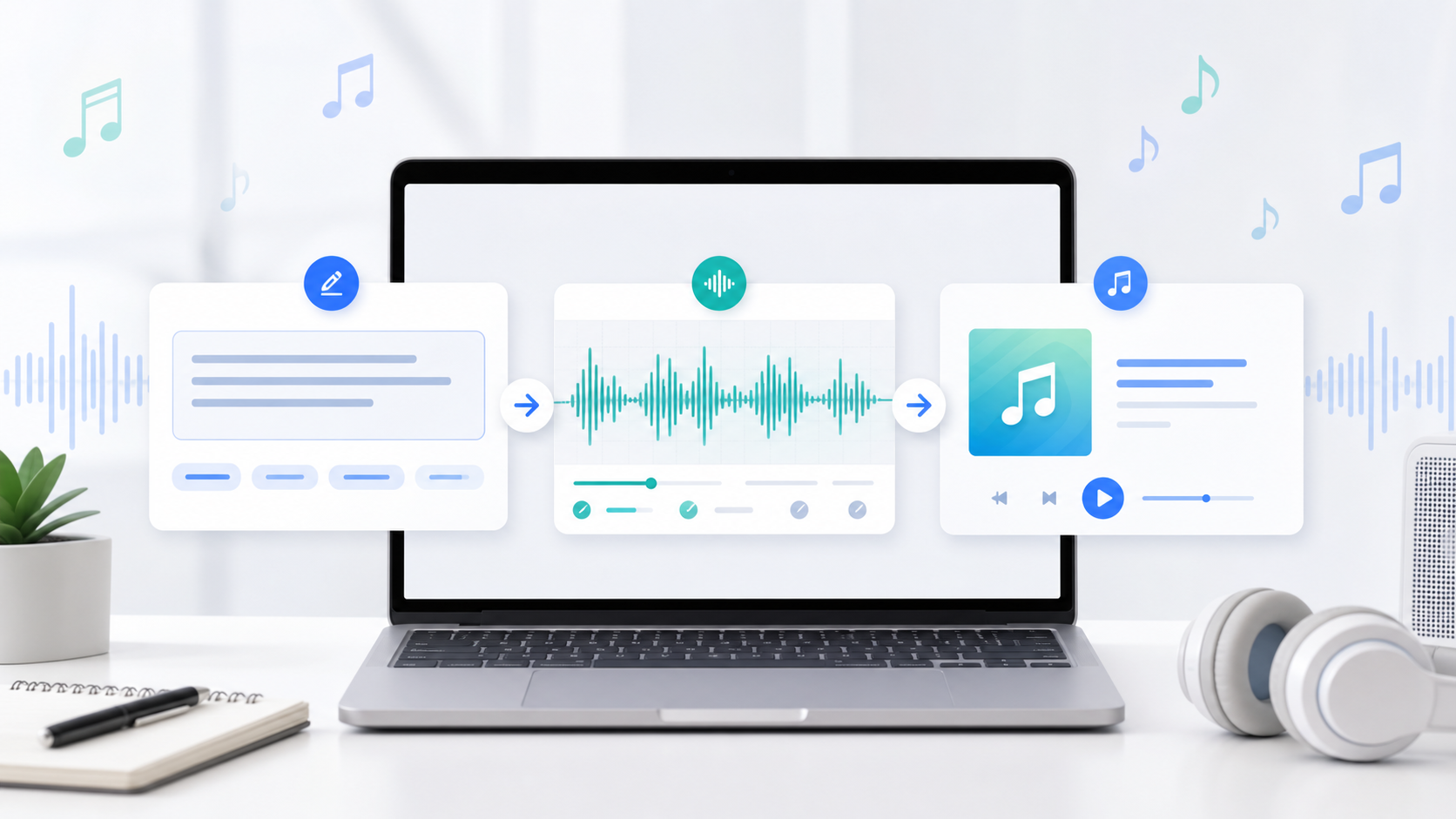
How to Create Your First AI Song — A Step-by-Step Tutorial
Learn how to make your first AI-generated song in under 5 minutes. No music experience needed. This guide walks you through AutoMusic's song maker from start to finish.