10 Ways to Make Your AI Songs Sound Less Like AI
AI music sounds too clinical? These 10 techniques cover everything from style prompting to AutoMusic's V1/V2 model strategy and stem separation — so your tracks feel like real productions.
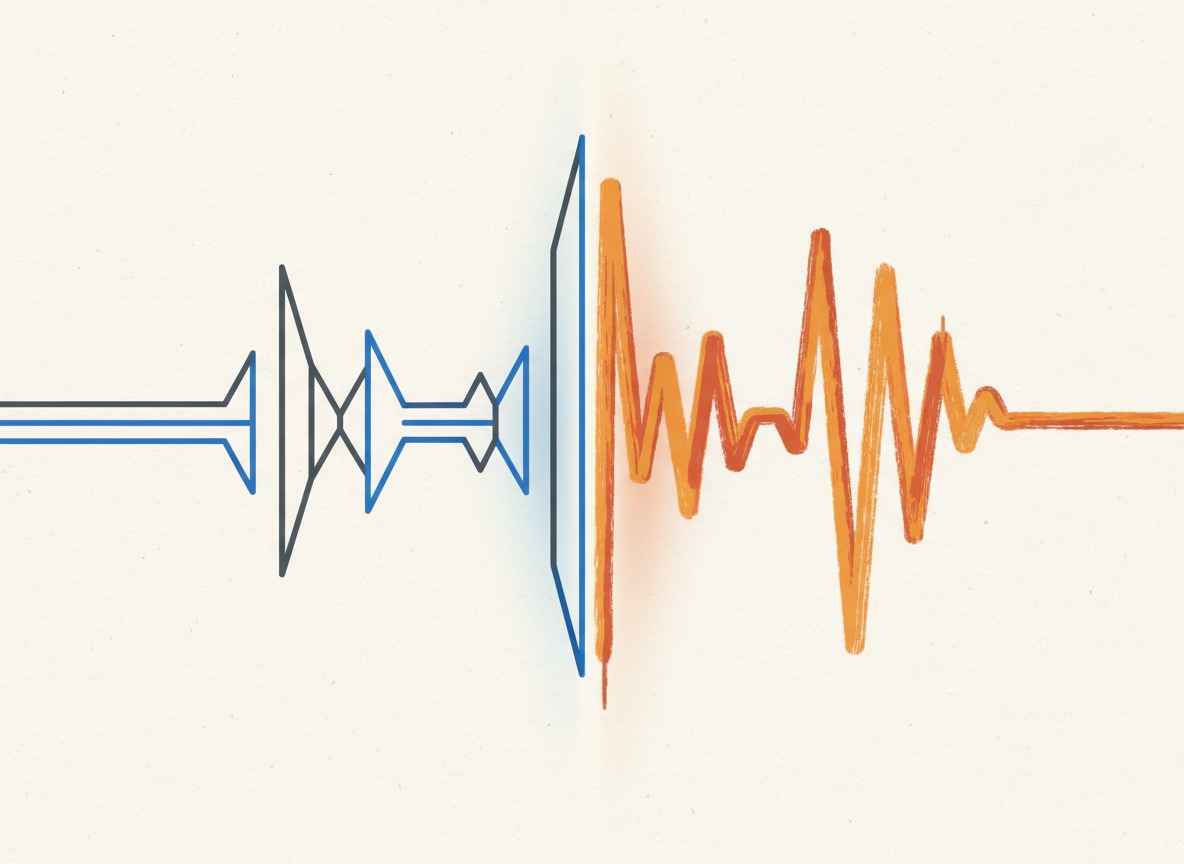
There's a specific quality to AI-generated music that listeners pick up on, even when they can't name it.
It's too smooth. Too consistent. The drums are perfectly on the grid. The mix is clean in a way that sounds clinical rather than warm. Every element has its place and stays there. There are no happy accidents, no imperfect performances, no moments where you can feel a human making a choice in real time.
That quality — the absence of humanness — is actually a solvable problem. Not through post-production tricks alone (though those help), but mostly through how you prompt, iterate, and structure your creation process from the beginning.
I've spent considerable time generating and refining music on AutoMusic, paying close attention to what separates the tracks that sound like music from the ones that sound like an AI's idea of music. The 10 techniques below are the ones that made the biggest consistent difference.
Some of these are about how you write your style description. Some are about lyric and structure choices. Some are about how you iterate. A couple are about specific features in AutoMusic that most people don't use to their full potential. They work together — apply several of them and the cumulative effect is significant.
Technique 1: Describe the Recording Session, Not Just the Genre
Most people write style descriptions that describe a musical category. "Indie pop with piano and light drums." That tells the AI what genre to operate in, but it doesn't tell it what kind of recording this should feel like.
Professional music has a specific feeling because of how it was recorded and produced. The room it was recorded in. The gear used. The era of production. The idiosyncrasies of specific sounds.
Instead of describing the genre, describe the recording:
Instead of: indie pop with piano and guitar
Try: indie pop recorded in a small home studio, slightly warm and intimate, piano with some room reverb, acoustic guitar that breathes, the kind of sound you'd hear on a Phoebe Bridgers B-side
The difference is you're giving the AI a sonic picture to work toward, not just a category to fill. Words like "warm," "intimate," "breathing," "room reverb," "slightly imperfect" all signal that this should have texture and humanity — not the clinical cleanliness of an AI default.
Other words to fold into style descriptions that consistently push output toward organic sound:
- "raw," "unpolished," "intimate"
- "tape saturation," "vinyl warmth"
- "live feel," "in-the-room"
- "slightly loose," "human feel on the drums"
- "recorded live," "minimal overdubs"
Technique 2: Reference a Specific Era, Not Just a Genre
Genres are present-tense — they describe what a category sounds like now, generically. Eras are specific. They carry production DNA that AI models understand and reproduce with distinctive character.
"90s alternative rock" sounds fundamentally different from "2010s indie rock" even though both are "guitar-based rock." The 90s version has that specific scooped-midrange guitar sound, that particular drum reverb, that aggressive-but-melodic production philosophy. The 2010s version has cleaner production, more layered guitars, a different relationship between the kick and the bass.
The same principle applies across every genre:
- "80s synth pop" vs "current synth pop" — completely different production aesthetics
- "70s soul" vs "neo-soul" — different instrumentation, different mix depth
- "early 2000s emo" vs "current emo" — different textures, different lyrical conventions
- "lo-fi 90s hip hop" vs "trap-influenced hip hop" — different rhythmic approach, different bass treatment
Adding an era reference to your style description gives the AI a much more specific production target. Specific targets produce more distinctive, less generic results.
Technique 3: Give the Song an Emotional Contradiction
Here's a psychological truth about why great songs feel human: they contain emotional contradiction. Joy tinged with melancholy. Anger underneath a calm surface. Longing mixed with relief. These contradictions are what make songs feel real — because real emotions are rarely pure.
AI defaults to emotional clarity. You ask for "happy," you get straightforwardly happy. The problem is that simple, unambiguous emotional states sound flat — not because the AI is doing anything wrong, but because uncomplicated happiness doesn't resonate the way bittersweet does.
In your style description, try combining two emotional states that have productive tension:
- "melancholic but hopeful"
- "celebratory with an undercurrent of loss"
- "tender and slightly fragile"
- "confident but vulnerable underneath"
- "peaceful with an edge of longing"
In your lyrics (if you're using custom lyrics): write the verse in a more subdued, uncertain emotional register and the chorus in a more resolved one. The contrast between the two creates the feeling of a journey. A song that starts and ends in the same emotional place is a song that goes nowhere.
Technique 4: Request Imperfection Explicitly
This sounds counterintuitive. Why would you ask for worse quality?
You're not asking for worse quality. You're asking for a different definition of quality — one that includes the texture of human performance rather than the cleanliness of machine perfection.
Real music has:
- Slight timing variations (a drummer who plays just behind the beat by a millisecond)
- Minor pitch fluctuations in vocals (especially in quieter, more intimate passages)
- Dynamic variation within phrases (a guitarist who digs in slightly harder on certain notes)
- Breath and room noise in intimate recordings
Add phrases to your style description that invite this:
- "slightly loose rhythm section"
- "natural vocal breaths and dynamics"
- "imperfect but emotional vocal delivery"
- "live-feel drums with natural human timing"
The AI won't produce technically wrong music. But these phrases steer it away from grid-perfect, quantized-everything output toward something with more expressive variation.
Technique 5: Write Lyrics That Are Specific, Not Universal
Generic AI music sounds generic partly because AI-generated lyrics (if you use that feature) tend toward universal sentiments. "I feel the light inside my heart." "We'll rise above the storm." These are the lyrical equivalent of stock photography — technically fine, emotionally neutral.
Human-written songs are specific. They reference particular places, specific objects, real situations. That specificity is what makes them feel personal — and paradoxically, highly specific songs often resonate more broadly because they feel true.
Compare:
- Generic: "I miss you every single day / The memories won't fade away"
- Specific: "I still park on your side of the garage / Because moving the car felt like the last thing"
The specific version is harder to write. But the AI is capable of singing it with conviction if you give it those words. Specificity is a lyric writing job, not a generation job.
If you're using AutoMusic's AI lyrics feature: use the output as a starting draft, then replace the most generic lines with specific ones drawn from your actual experience or the story you're trying to tell. Even replacing 2-3 lines in a 20-line song can transform how the whole thing feels.
For more on writing lyrics that the AI can work with effectively, see our guide to writing lyrics for AI song makers.
Technique 6: Use Structure Markers to Create Dynamic Contrast
One of the most reliable tells of AI-generated music is consistent energy throughout. The verse has the same weight as the chorus. The bridge doesn't feel like a bridge — it's just more of the song. Everything sits at the same density.
Human-produced songs are built on contrast. The verse is quieter, more understated, to make the chorus feel like it arrives. The bridge introduces something different — a new perspective, a new musical texture — specifically to create contrast before the final chorus.
The [Verse], [Chorus], [Bridge] structure markers in AutoMusic aren't just organizational — they're instructions to the AI about where to change energy levels. The AI knows that [Chorus] means "increase energy, raise the melodic hook, make this the emotional peak." It knows [Bridge] means "shift the pattern, create contrast."
Use these markers deliberately:
- Keep your verse lyrics more narrative and conversational
- Make your chorus lyrics shorter, more declarative, more emotionally direct
- Use your bridge for something genuinely different — a different perspective on the song's theme, a different rhythmic feel
The contrast between these sections is what creates the sense of a song that moves and breathes rather than just persists.
Technique 7: Use V1.0 to Explore, V2.0 to Deliver
AutoMusic has two generation models: V1.0 (Standard) and V2.0 (Advanced). Most people use one or the other consistently without thinking about when to use each. The smarter approach is to treat them as two stages in the same workflow.
V1.0 is for rapid exploration. It generates quickly, and while the output quality is good, the main value at this stage is speed and iteration. Use V1.0 to test your style description, try different genre/mood combinations, and narrow down what direction actually sounds right for the song you're building. Generate 4-5 versions on V1.0, listen for what's working and what isn't, refine your prompt based on what you learn.
V2.0 is for the final version. Once your style description is dialed in — you know roughly what you want, you've heard enough V1.0 outputs to understand what the prompt produces — switch to V2.0 for your final generation. The V2.0 model produces more complex, higher-fidelity output: more nuanced vocal delivery, more detailed arrangement, production choices that feel more considered. That's what you want when the track actually matters.
The practical result: you're not spending V2.0 credits on exploratory iterations, and you're not settling for a V1.0 track when V2.0 would have been meaningfully better. Use the iteration stage to sharpen your prompt, then use your best model on the sharpest version of it.
For context: the difference between V1.0 and V2.0 output is most audible in the vocals (V2.0 has more expressive, less mechanical delivery) and in the arrangement density (V2.0 tracks tend to have more layered, detailed production). Both qualities directly address the "too AI-sounding" problem. V2.0 isn't always necessary — for background instrumentals where perfection of composition matters less, V1.0 is often fine. But for any track where the vocal performance is central, V2.0 is worth the credit.
Technique 8: Describe the Listening Context
This technique is underused and consistently effective. Tell the AI where and how this music will be heard.
The same musical genre sounds completely different depending on its context:
- A bar track needs to cut through ambient noise, has more bass and mid-range punch
- A bedroom recording is intimate and close, designed for headphones
- A live recording has room sound and crowd energy
- A film score sits under dialogue, so it needs dynamic space in the mid-range
In your style description, try adding context cues:
- "sounds like it's being performed live in a small venue"
- "meant to be heard on headphones at night"
- "coffeehouse background music, needs to be present but not intrusive"
- "arena-ready with big production that fills space"
The AI uses these context signals to make choices about mix density, reverb depth, and dynamic range. "Coffeehouse" produces a very different result from "arena" even at the same tempo and genre — because those contexts imply very different production choices.
Technique 9: Use Stem Separation for Targeted Post-Processing
Everything up to this point has been about getting better raw material out of the generator. This technique is about what you do with that raw material afterward — specifically, a more precise approach than treating the whole track as one file.
AutoMusic includes a stem separation tool that splits a generated track into its component parts: vocals isolated from the instrumental. This opens up a post-processing workflow that most creators overlook.
Instead of applying EQ or effects to the whole mix and hoping it works, separate the stems first, then process each component independently:
On the instrumental stem: Apply a small EQ boost in the lower mids (around 300Hz) for warmth, and slightly reduce the high-frequency sheen above 10kHz. This gives the backing track a more analog, produced feel without affecting the vocal clarity.
On the vocal stem: Add a small amount of room reverb — subtle, not the kind you'd put on a ballad, just enough to place the voice in a physical space rather than sounding perfectly dry. This is one of the most reliable ways to make AI vocals feel less synthetic. Dry vocals are a tell. A voice in a room feels real.
Remix them in your editor: Bring both stems back together, adjusting relative levels if needed. You now have individual control over each element of the mix, which means your processing decisions are surgical rather than blunt.
This doesn't require professional audio software. Audacity (free) handles multi-track mixing well enough for this purpose. GarageBand works too. The goal isn't mastering-grade perfection — it's two targeted adjustments to the two most important elements of the track, applied independently so each change only affects what it should.
Technique 10: Iterate on the Style Description Based on What You Got
The final technique is actually a meta-technique: treat generation as a conversation, not a single transaction.
Most people write a style description, generate once, and either accept the result or give up. The more effective approach is to listen analytically to what you got, identify specifically what's missing, and refine the prompt accordingly.
A few diagnostic questions to ask after each generation:
Does it feel too perfect and clinical? Add: "warm and organic," "live feel," "slight imperfections," "human timing"
Is the energy wrong? Specify more precisely: "energy stays high throughout" or "starts quiet, builds to a powerful chorus"
Are the vocals the wrong style? Add vocal qualifiers: "raspy and raw," "soft and breathy," "powerful gospel belt," "intimate whisper"
Is the production too modern/current? Add an era reference: "70s production feel," "80s synth pop aesthetics," "early 2000s indie"
Is it too generic, not distinctive enough? Add an unusual combination of references: "like if Portishead made a hip hop song" or "folk music but with electronic production DNA" — unusual cross-genre references produce more distinctive outputs than single-genre descriptions
The goal is to build up specificity over iterations. Your first description might be 40 words. After two or three generations and refinements, you might be at 150 words — getting closer and closer to the specific sound you actually have in your head.
Putting It Together: A Full Workflow
Here's what applying these techniques looks like in practice, end to end:
-
Before generating: Think about your target sound not as a genre but as a recording session. Who made this? Where? What era? What emotional state were they in? Write a style description that captures that picture.
-
Structural setup: Organize your lyrics (or describe your theme for AI lyrics) with deliberate emotional contrast between sections. Verse is reflective, chorus is resolved. Bridge introduces something different.
-
Exploration round on V1.0: Generate 3-4 versions. Listen for what's working. Refine the style description based on what you learn. This stage is cheap and fast — don't skip it.
-
Final generation on V2.0: Once the prompt is dialed in, switch to V2.0 and generate your delivery version. This is the track you'll actually use.
-
Stem separation: Split the final track into vocal and instrumental stems using AutoMusic's stem tool.
-
Targeted post-processing: Apply light EQ to the instrumental (warmth in the low mids, reduce high sheen). Add subtle room reverb to the vocal. Reassemble in your editor.
-
Final listen: One last listen asking: does this sound like something a human made? If the answer is yes, you're done.
The goal isn't to hide that AI was involved. It's to make music that actually serves the creative purpose — that sounds like something was made with intention, with texture, with the imperfect humanity that makes music connect. AI is the tool. The artistry is in how you use it.
Ready to put these techniques to work? Head to the AI Song Maker and apply what you've learned.
For the foundations — if you're newer to the platform — start with how to create your first AI song first.
Using these techniques for lyrics specifically? Our deep guide to writing lyrics for AI song makers covers the lyric side of this in much more detail.
Related articles

How to Create Your First AI Song — A Step-by-Step Tutorial
Learn how to make your first AI-generated song in under 5 minutes. No music experience needed. This guide walks you through AutoMusic's song maker from start to finish.
How to Write Lyrics for AI Song Makers — Tips That Actually Work
Your lyrics sound weird when AI sings them? Here's how to format and write lyrics that AI song makers actually understand. Includes templates and real examples.
AI Song Prompts That Work — 25 Examples for Better Results
Learn how to write better AI song prompts with 25 practical examples for pop, rap, acoustic, EDM, podcast intros, YouTube background music, and more.